Everyone has a list of AI tools. Most of those lists are sponsored, built from press releases, or written by people who tried each tool for forty-five minutes and called it a review. This one isn’t. Here’s what actually works in 2026, broken down by what you’re trying to get done — with pricing, honest limitations, and a clear recommendation on who should use what.
Let’s start with the uncomfortable truth about AI tool lists: the market has become genuinely overwhelming. There are now over 15,000 AI-powered products. Most of them are GPT wrappers with a landing page, a founding story about “democratising AI,” and a free trial that expires in seven days. The signal-to-noise ratio is terrible.
The good news is that the tools that matter have become clearer in 2026. The consolidation is happening. The experiments are ending. And the platforms that have earned sustained daily use by real professionals are distinguishable from the ones that are living off launch momentum.
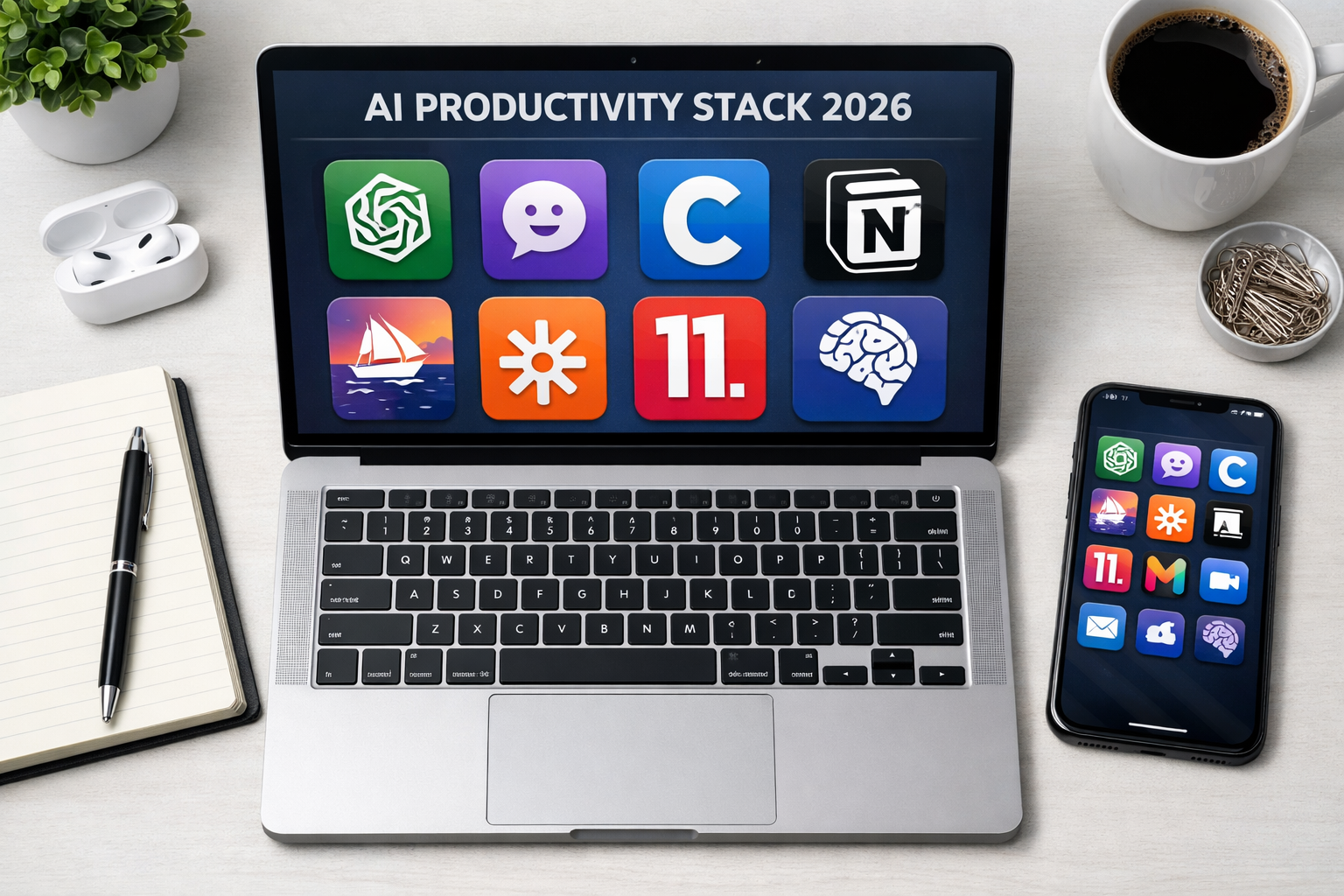
This review covers eight tools across five categories — writing, research, meetings, coding, and orchestration — with a clear verdict on each.
The Framework: How We’re Evaluating
Before the tools: the criteria. A genuinely useful AI tool in 2026 needs to clear four bars.
Does it save real time? Not in theory, not in a demo. In the actual workflow, on a regular Tuesday, with a real deadline.
Is the output usable, or does it need to be completely rewritten? There’s a difference between a tool that gives you an 80% draft and one that gives you a starting point that takes longer to fix than starting from scratch.
Does it integrate, or does it add friction? A tool that lives in its own silo adds a context-switching tax. Tools that fit into existing workflows — your email, your calendar, your code editor — compound in value.
What’s the privacy posture? This matters more than most lists acknowledge. If you’re putting client work, proprietary strategy, or sensitive data into a tool, you need to know whether it’s training on that data and who owns it. (Short version: enterprise plans generally don’t train on your data; free tiers often do.)
With that established, here are the tools.
Writing & Content: ChatGPT vs. Claude
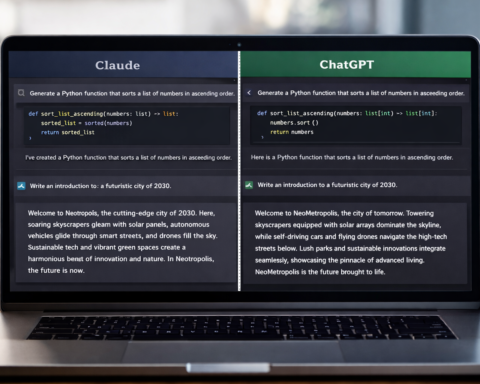
These are the two tools that dominate professional writing workflows in 2026, and the honest answer is that they’re better at different things.
ChatGPT (GPT-5.3 / 5.4) — Best for: generalists, breadth, multi-format work
With 700 million weekly active users, ChatGPT remains the default first tool for most people — and there are good reasons for that beyond inertia. GPT-5.3 Instant is fast, genuinely conversational, and handles a wide range of formats with competence. The recent addition of native spreadsheet and presentation generation in the GPT-5.4 Thinking tier is a real productivity unlock for business users who need one tool to cover multiple output types.
The limitation is depth. ChatGPT tends toward the plausible and the competent. For work that requires genuine nuance, long-form reasoning, or a voice that sounds distinctly like you, the output often needs more editorial work than the time saved justifies.
Pricing: Free. Go $8/month. Plus $20/month. Pro $200/month. Best plan for professionals: Plus at $20/month covers the vast majority of use cases.
Claude (Anthropic) — Best for: long-form content, complex analysis, editorial quality
Claude is the tool professionals who write seriously tend to end up with after they’ve been disappointed by something else. It handles long-context tasks better than any competitor — feeding it an entire research paper, a contract, or a lengthy brief and getting a coherent, nuanced response is where it genuinely outperforms. The writing it produces is also less generically “AI” in tone, which matters more than people think for anything going out under your name.
The limitation is breadth. Claude is excellent at what it does; it doesn’t do everything. It’s a focused tool, not a Swiss Army knife.
Pricing: Free tier available. Pro at $20/month. Team plans available. Best plan for professionals: Pro if writing is core to your work.
Verdict: Use ChatGPT for everyday variety. Use Claude for anything that requires depth, long-form precision, or will be read critically.
Research: Perplexity AI
Best for: researchers, analysts, anyone who verifies facts for a living
Perplexity is the most underrated tool on this list and the one most likely to shift your workflow significantly if you haven’t used it. The core proposition is simple: it combines real-time web search with AI synthesis, and it cites every claim. You ask a question, it searches the web right now, and it tells you exactly which source each piece of information came from.
This matters because the hallucination problem — AI systems confidently producing false information — is worst on questions that require current data. Perplexity doesn’t eliminate this risk, but it reduces it dramatically by grounding responses in real sources you can verify.
For professionals whose work requires accuracy — journalists, analysts, researchers, lawyers, consultants — it’s the tool that makes AI usable in contexts where “I’ll verify it” isn’t good enough. Perplexity’s valuation recently hit $18 billion, and the product justifies the investor confidence.
Pricing: Free tier is genuinely useful. Pro at $20/month adds more searches, better models, and file upload. Limitation: Less useful for creative or generative work. Use it for research; use Claude or ChatGPT for production.
Meetings: Fireflies.ai vs. Notion AI
Fireflies.ai — Best for: sales teams, client-facing teams, anyone running back-to-back calls
Fireflies automatically joins your video calls, transcribes them, extracts action items, and pushes everything into your CRM. The intelligence layer is what separates it from a simple transcription tool: it tracks sentiment, flags buying signals in sales conversations, identifies objections, and builds a searchable archive of every meeting.
For sales teams specifically, the ROI is straightforward: every call becomes data. Deal reviews, coaching sessions, handoffs — all searchable, all documented, all automatic.
Pricing: Free plan with limited storage. Pro at $10/user/month (billed annually). Business at $19/user/month. Watch out for: The free tier automatically joins all scheduled meetings and sends recaps to all participants — a potential privacy concern for sensitive internal discussions.
Notion AI — Best for: teams already using Notion who need AI embedded in their documentation workflow
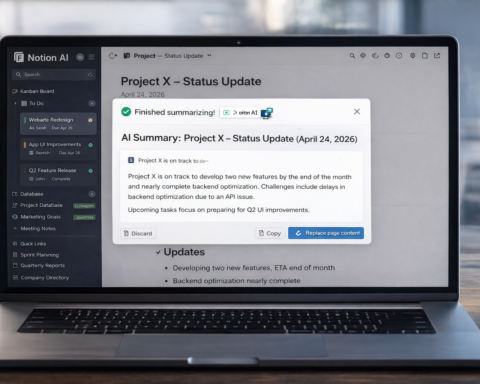
If your team lives in Notion, the AI layer is worth enabling. It can summarize documents, generate content, translate between languages, and answer questions about your workspace. The key advantage is context: unlike external AI tools, Notion AI can access your existing documents and build on what’s already there.
The limitation is that it’s purpose-built for Notion users. If you’re not already in Notion, the tool isn’t reason enough to migrate.
Pricing: Add-on to existing Notion plans at $10/member/month.
Coding: Claude Code + Cursor
This is the category with the clearest best practices in 2026, per the LangChain State of Agent Engineering report covering 1,300+ practitioners.
The consensus setup: Cursor for daily IDE work, Claude Code for hard, open-ended problems.
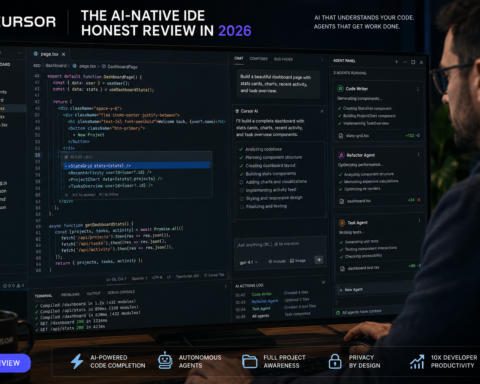
Cursor — an IDE-integrated coding agent with over a million users and 360,000 paying customers — lives inside your editor, understands your project context, and suggests code in real time. For everyday development work, it’s the fastest way to move.
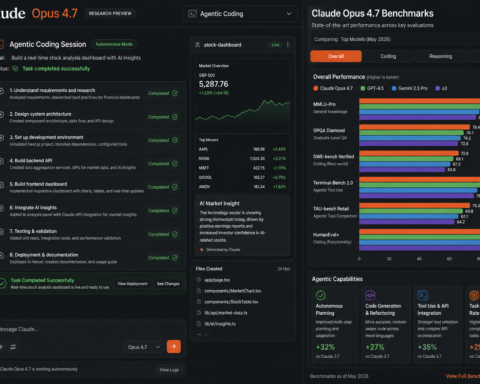
Claude Code — a terminal-based agent — is described by developers as the most capable agent for hard, open-ended problems where other tools give up. You give it a task, walk away, and come back to a pull request. It’s more expensive and slower than Cursor for routine work, but on complex tasks it’s in a different category.
Pricing: Cursor at $20/month for Pro. Claude Code is included in Claude Pro/Team plans; heavier usage billed additionally through the API. Limitation: Neither tool eliminates the need for code review. AI-generated code should be treated as a strong draft, not final production code.
Orchestration: Zapier
Best for: teams connecting multiple tools who want to eliminate manual data entry and task handoffs
Zapier is the connective tissue of the AI productivity stack. It connects 8,000+ apps through automated workflows, and in 2026 the AI Copilot feature lets you build those automations through conversation rather than configuration screens. You describe what you want to happen, and Zapier builds the Zap.
The practical value: when your CRM updates, Slack sends a notification; when a form is submitted, a row appears in your spreadsheet and an email goes out; when a deal closes, an invoice is created. Work that would require manual steps across three or four apps happens automatically.
Pricing: Free includes 100 tasks/month. Pro at $19.99/month for 750 tasks. Team from $69/month. Watch out for: Zapier charges per task when limits are exceeded. Review your actual usage patterns before committing to a tier.
The Stack Recommendation
After testing these across real workflows, here’s the configuration that works for most professionals:
For individuals: ChatGPT Plus ($20) + Perplexity Pro ($20) + Cursor ($20) = $60/month. That’s your writing, research, and coding covered.
For writing-heavy roles: Replace ChatGPT Plus with Claude Pro at the same price. Add Grammarly if your work goes through editorial review.
For teams: Add Fireflies ($10/user) for meeting documentation. Add Notion AI ($10/user) if you’re already in Notion. Add Zapier Team ($69+) if you’re connecting multiple tools.
The honest advice on tool count: Two or three well-mastered tools deliver more value than a dozen barely used ones. Knowledge workers currently spend an average of 4.3 hours per week fact-checking AI output. That number goes up, not down, when you’re using tools you don’t fully understand. Start smaller than you think you need. Add tools when a specific task becomes a consistent bottleneck.
What to Watch For: The Hallucination Problem
This section is non-negotiable. GPT-4o, in testing, hallucinates on roughly 45% of precise factual questions. Newer models have improved dramatically on this — GPT-5.4 claims 33% fewer false claims than GPT-5.2 — but the problem is not solved.
The practical rules: treat AI output as a strong first draft, not a final answer. For anything high-stakes — medical, legal, financial — use AI to understand and draft, but verify with primary sources. Ask the tool to cite sources wherever possible (Perplexity does this by default). If a claim sounds too clean or too specific, check it.
The people who use these tools most effectively in 2026 are not the ones who trust the most. They’re the ones who verify the right things and iterate efficiently on what’s left.